You Made One Image. Five Channels Cropped It Five Ways.
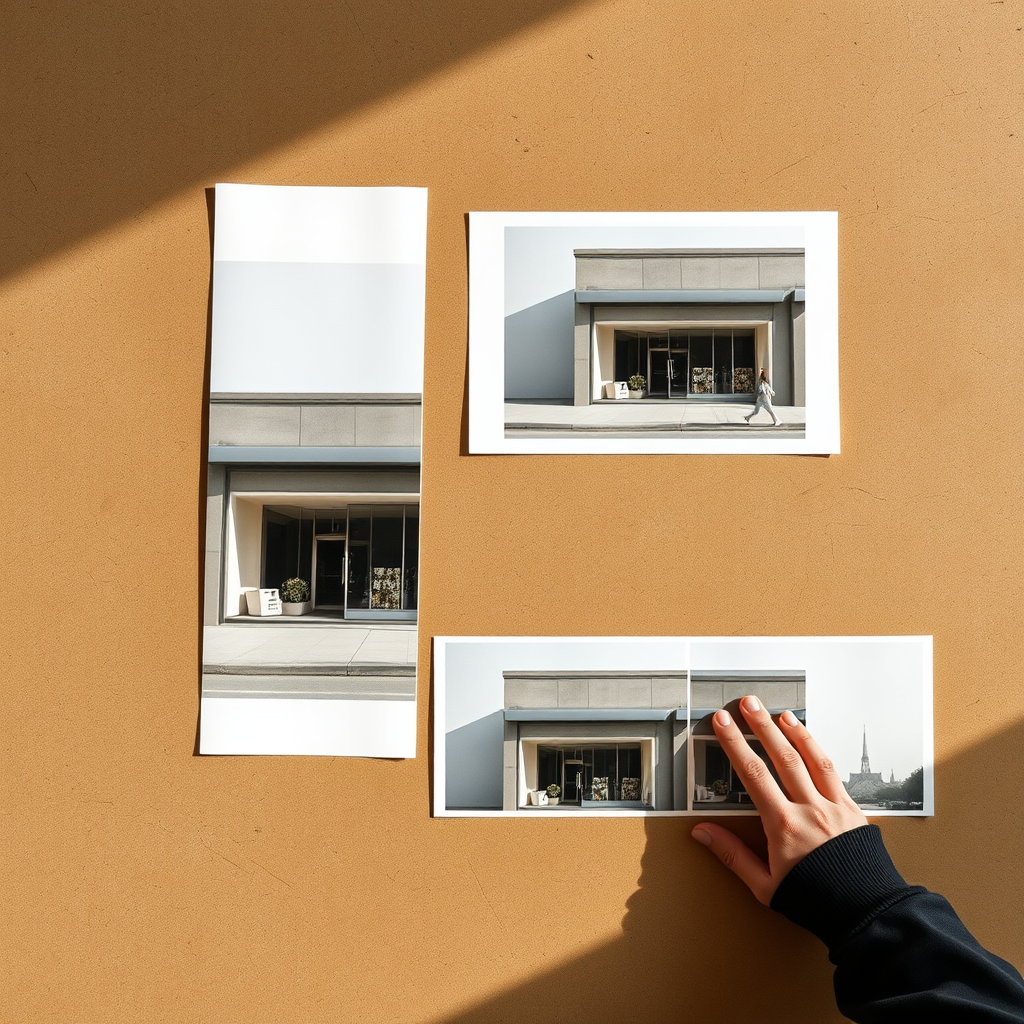
You exported the graphic at 1080 x 1080 because that's the size the design tool opened with. In the email it looked fine. On the Instagram story it floated in the middle with gray bars above and below. On LinkedIn the crop took the top off your sign. On the website hero it stretched wide and the subject drifted off-center. By the time someone noticed, the campaign had already gone out, and the fix was a twenty-minute re-export that nobody had time for.
This is the most common unforced error in small-business marketing, and it isn't a taste problem. It's a workflow problem. Most teams produce one image and then ask every channel to accept it. Every channel declines, in its own way.
Resizing Is Not the Same as Composing
An aspect ratio isn't a container you pour a picture into. It's a decision about what the viewer sees first and what sits at the edges. A 9:16 story is a vertical space where the subject needs headroom at the top and breathing room at the bottom, because the interface puts controls there. A 16:9 banner wants the subject off to one side so there's room for a message. A square wants the subject centered and tight.
Those are three different compositions, not three crops of one. When you crop, you're choosing which of the other two formats to sacrifice. Usually you sacrifice both, and the result is a picture that technically fits and visually reads as an afterthought — the storefront half out of frame, the product's label sliced, the person looking out of the frame instead of into it.
The practical consequence shows up as hesitation. You have a good idea for a post, you remember what it costs to render it properly in four places, and you post it in one. The channel that gets the content is the channel that matched the file you happened to have.
Generate Every Size at the Same Moment
The fix is to stop treating formats as a downstream export step and make them part of creation. When you describe an image once, the studio should produce it in every ratio the channels need — vertical for stories, square for the feed, wide for email headers and web, whatever the destination requires — each one composed for its own frame rather than trimmed from a sibling.
This is what the Growth7 content studio is built to do. You give it the idea and, importantly, your own photos as reference, so the images carry your actual storefront, your actual team, your actual product instead of a stock approximation. Then you get the full set of ratios back, ready to attach to the campaign you're already building.
Two things change when the set arrives together:
- Channel choice stops being driven by which file you already have, and goes back to being driven by where your audience actually is.
- Approval becomes one decision instead of four. Someone reviews the concept, not four separate exports arriving over three days.
The Real Cost Was Never the Crop
Nobody loses a customer because a story had gray bars. They lose momentum. The agency running five brands skips the vertical format for four of them because the math doesn't work. The owner who meant to post weekly posts monthly, because every post has a production tail attached to it.
When production is per-idea rather than per-format, publishing to four channels costs roughly what publishing to one used to. That's the actual unlock — not prettier images, though you get those too, but a cadence you can hold without hiring for it.
So the next time you catch yourself dragging a crop box and deciding which part of the photo matters least, notice what that moment really is. It's the point where a multi-channel plan quietly becomes a single-channel one.